
Logging into Clerq
Non-SSO Users
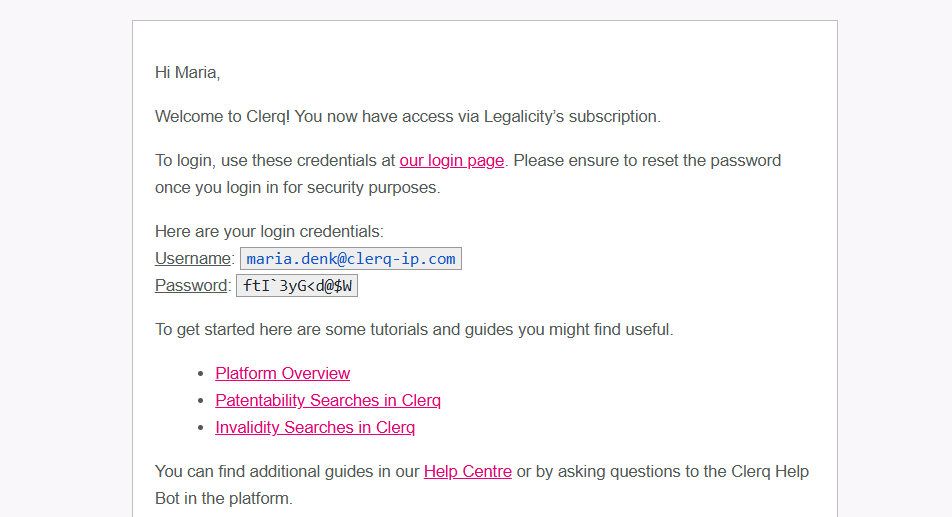
When an account is created, an email from searchservices@clerq-ip.com will contain your login details. Check your spam folder if necessary. The email should look like this.
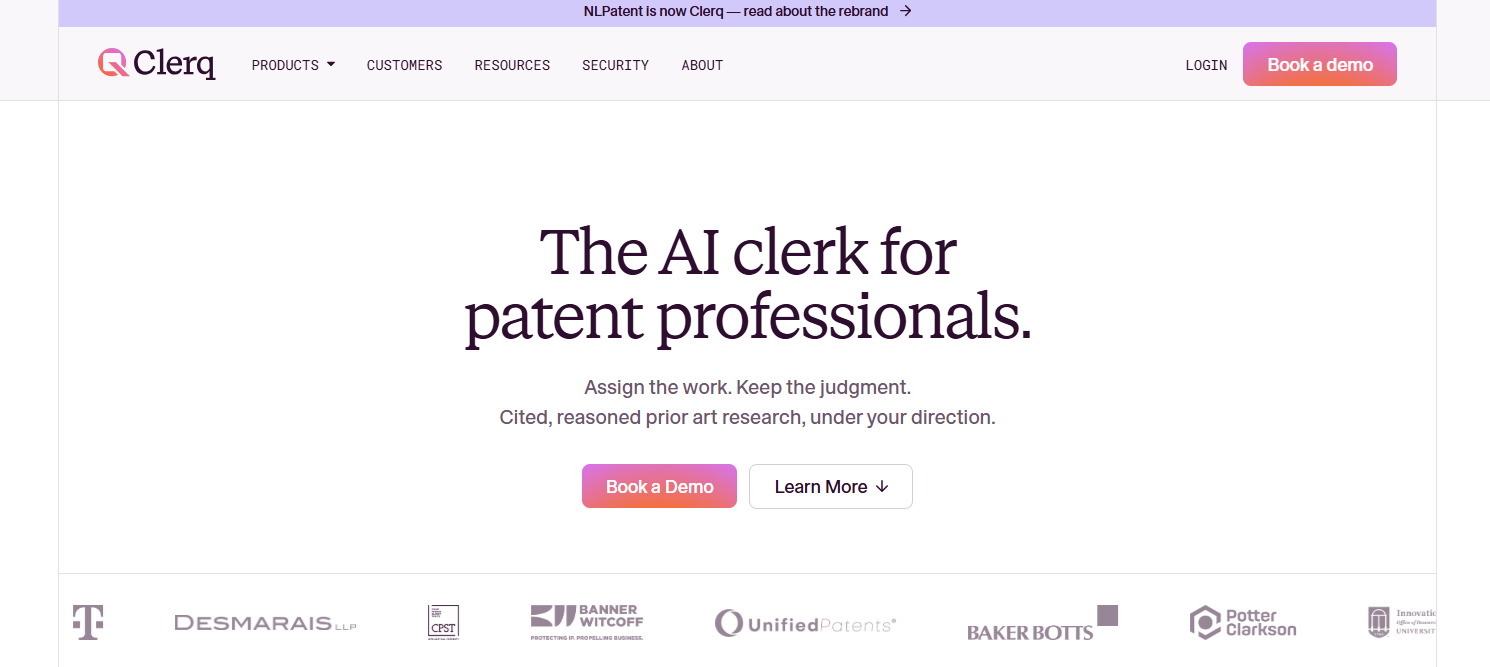
Access Clerq by visiting www.clerq-ip.com and clicking on the Sign-In button located at the top right corner of the page.
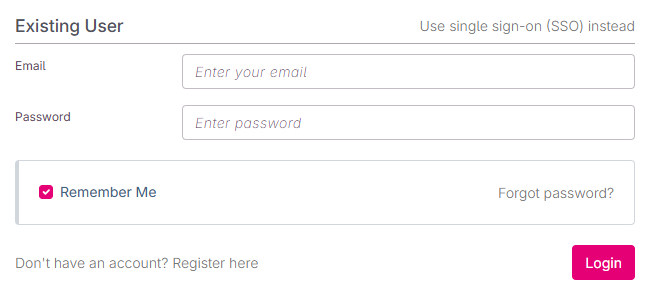
Use the provided Username and Password to access your account
Logging-In Troubleshooting
If you don't remember your account details, try putting in your email address and see which error message you get.
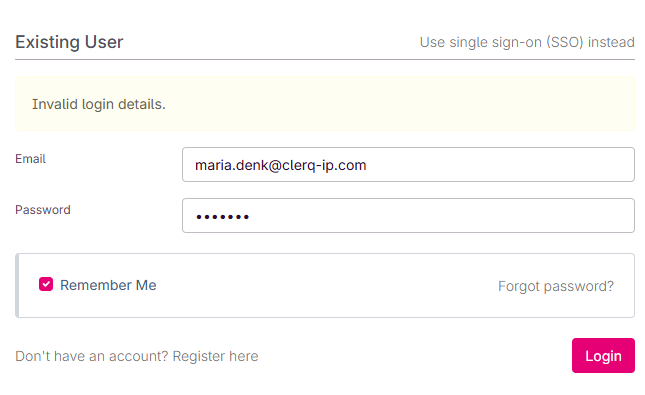
Existing Account, Wrong Password
If an account exists with your email, you will get this error message. Select Forgot Password to reset your password.
Non-Existent Account
If there is no account linked to your email, you'll get the error message. If your organization uses SSO, please follow the instructions below.
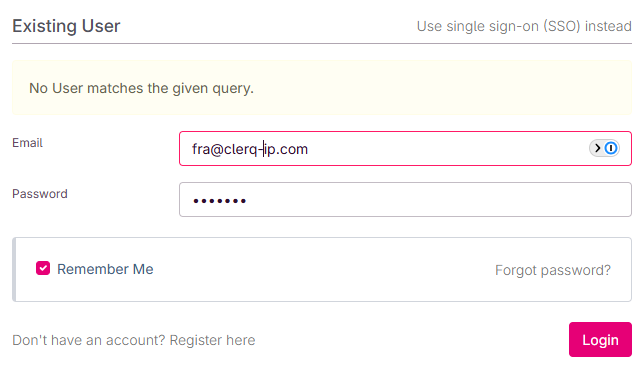
If you are on an enterprise license of Clerq, click on “Don’t have an account? Register here” to create an account.
Organization Enforces SSO
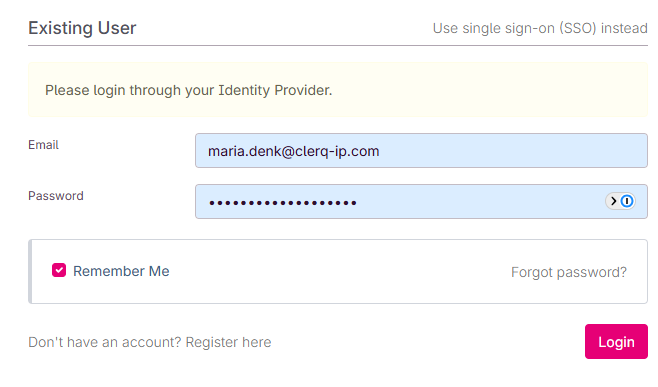
If your organization only allows for login with SSO, you will get the following error message. Please follow the SSO instructions below.
Security First
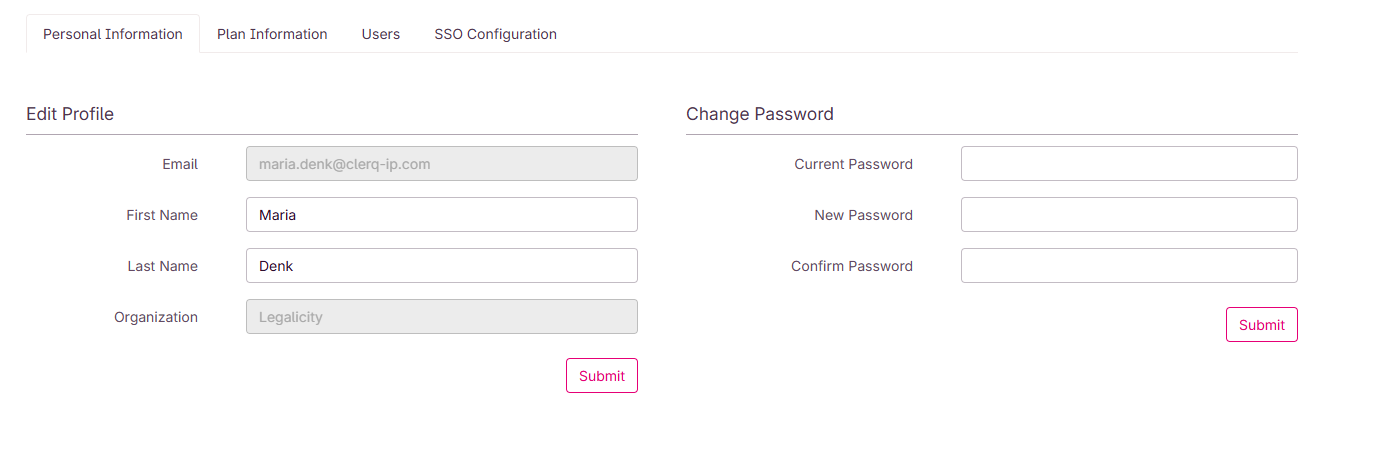
As a security measure, please ensure to reset your password immediately after logging in. Click on your profile icon at the top right corner and select Account. Here, you can change your password to one of your choice.
Single Sign On (SSO)
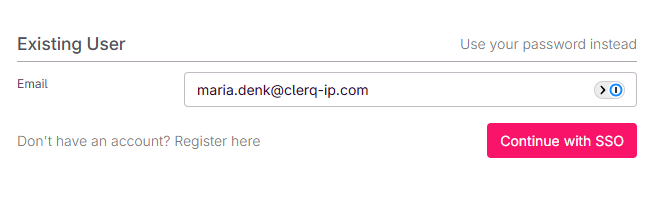
For some users, the only valid way to login may be SSO. If this is the case, after clicking sign in, click the Use Single Sign-On (SSO) instead.
Important — first login only: The very first time you log into Clerq, you'll need to start from your organization's app portal rather than going directly to www.clerq-ip.com. This is typically the Microsoft 365 "My Apps" page, the Google Workspace app launcher, or the dashboard your IT team uses to hand out access to company tools. Look for the Clerq (or NLPatent) icon there and click it to complete your first sign-in.
Once that first login is done, you're all set — for every login after that, you can go straight to www.clerq-ip.com, select SSO, enter your email, and click Continue with SSO.
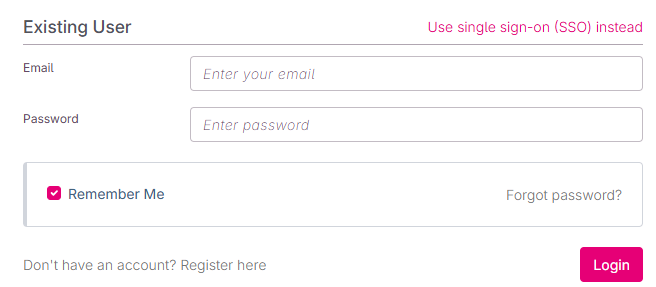
Then, enter your email address and click Continue with SSO. From here you should have direct access to Clerq.
Need Help? If you're still experiencing login please reach out to support@clerq-ip.com and we’ll get back to you shortly.